


84 Colour Swatch Cards, Canva Template
R120.00
Product Description
This Colour Swatch Cards Canva Template is the solution to your colour printing problems!
Why Do Your Branded Items Print the Wrong Colors?
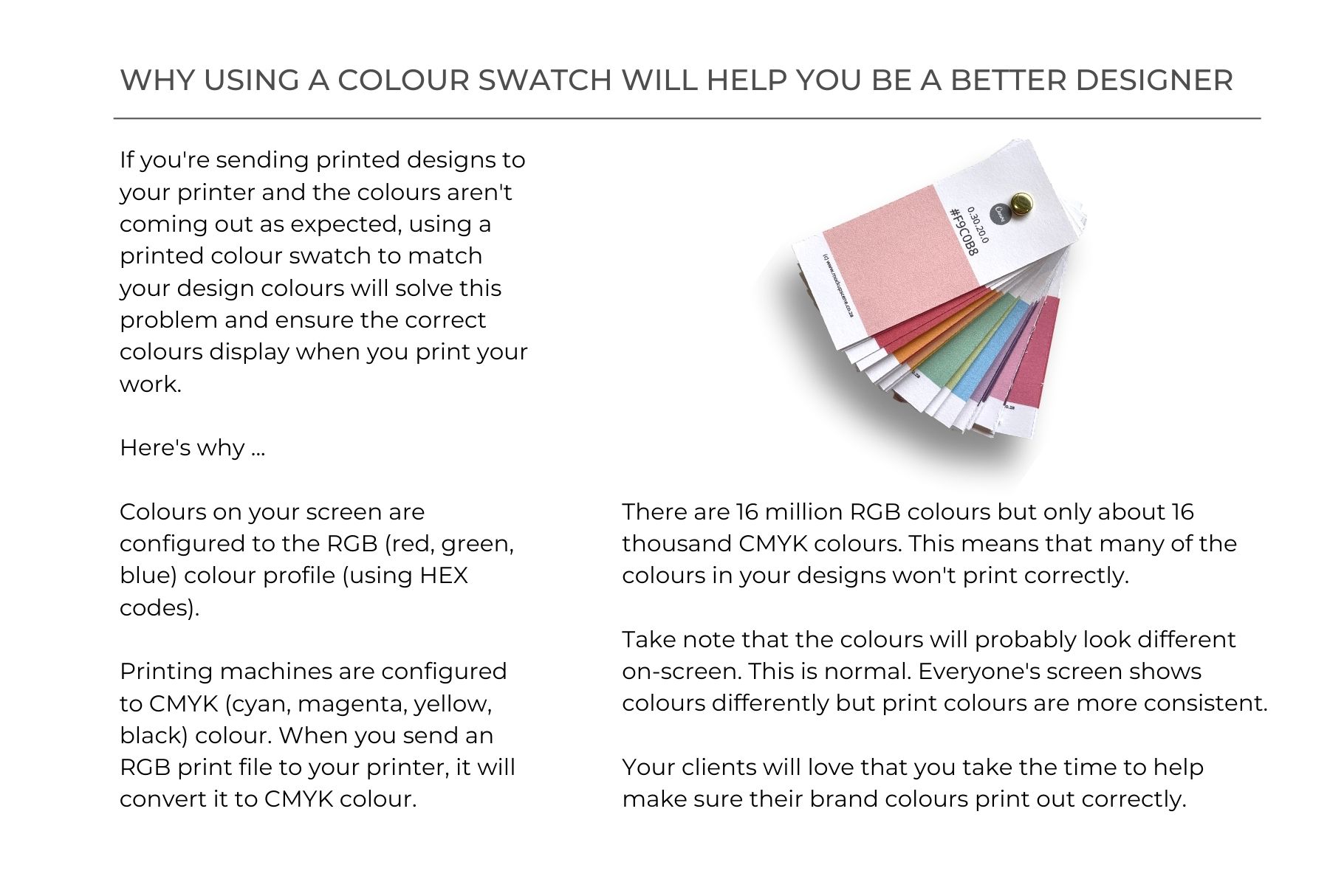
If you have ever sent a beautifully designed business card, flyer, or thank-you note to the printers only for it to come out looking dull, muddy, or completely the wrong shade, you’ve experienced the RGB vs. CMYK trap.
The colours on your glowing laptop or phone screen live in an RGB (Red, Green, Blue) profile utilizing digital HEX codes. However, commercial printing machines only speak CMYK (Cyan, Magenta, Yellow, Black).
Because there are over 16 million RGB variants but only around 16,000 printable CMYK combinations, your machine has to guess the closest match.
The result? Massive colour shifts, wasted money, and brand inconsistency.
This printable colour swatch card template is designed to solve that exact frustration. By printing out a physical swatch deck on your target paper stock, you can see exactly how a colour behaves in real life before committing to a costly print run.
What’s Included in the Template
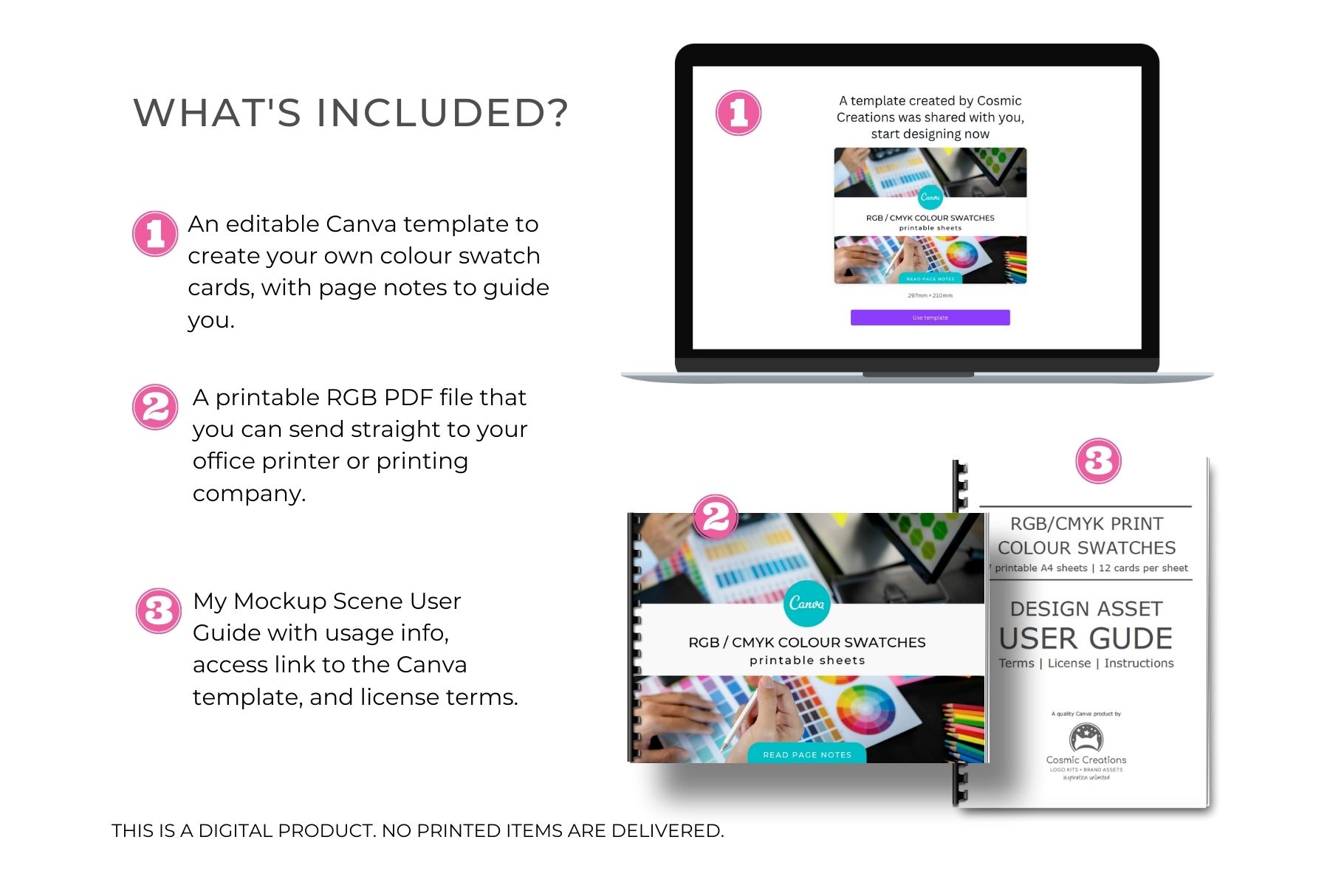
Ready-to-Print PDF
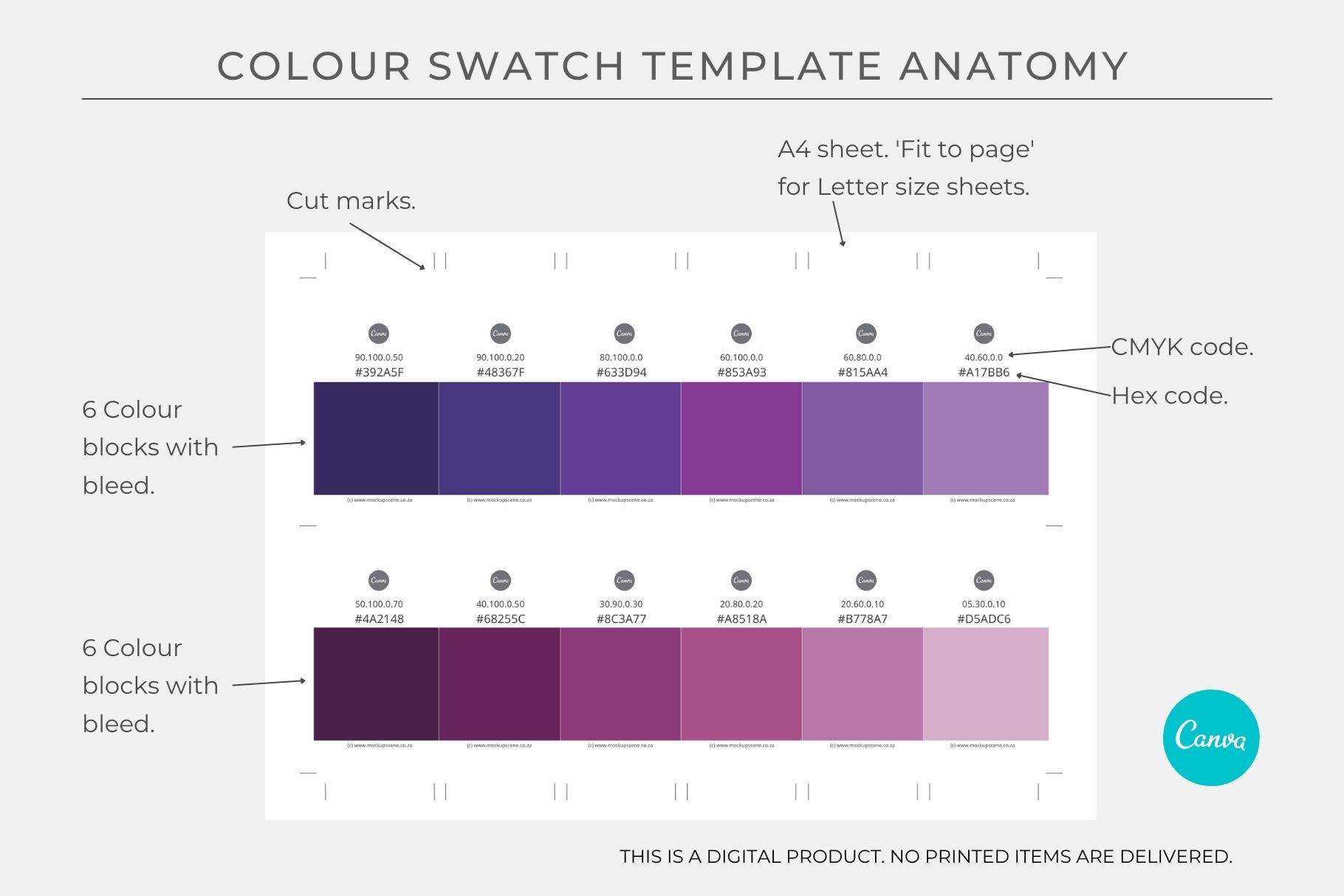
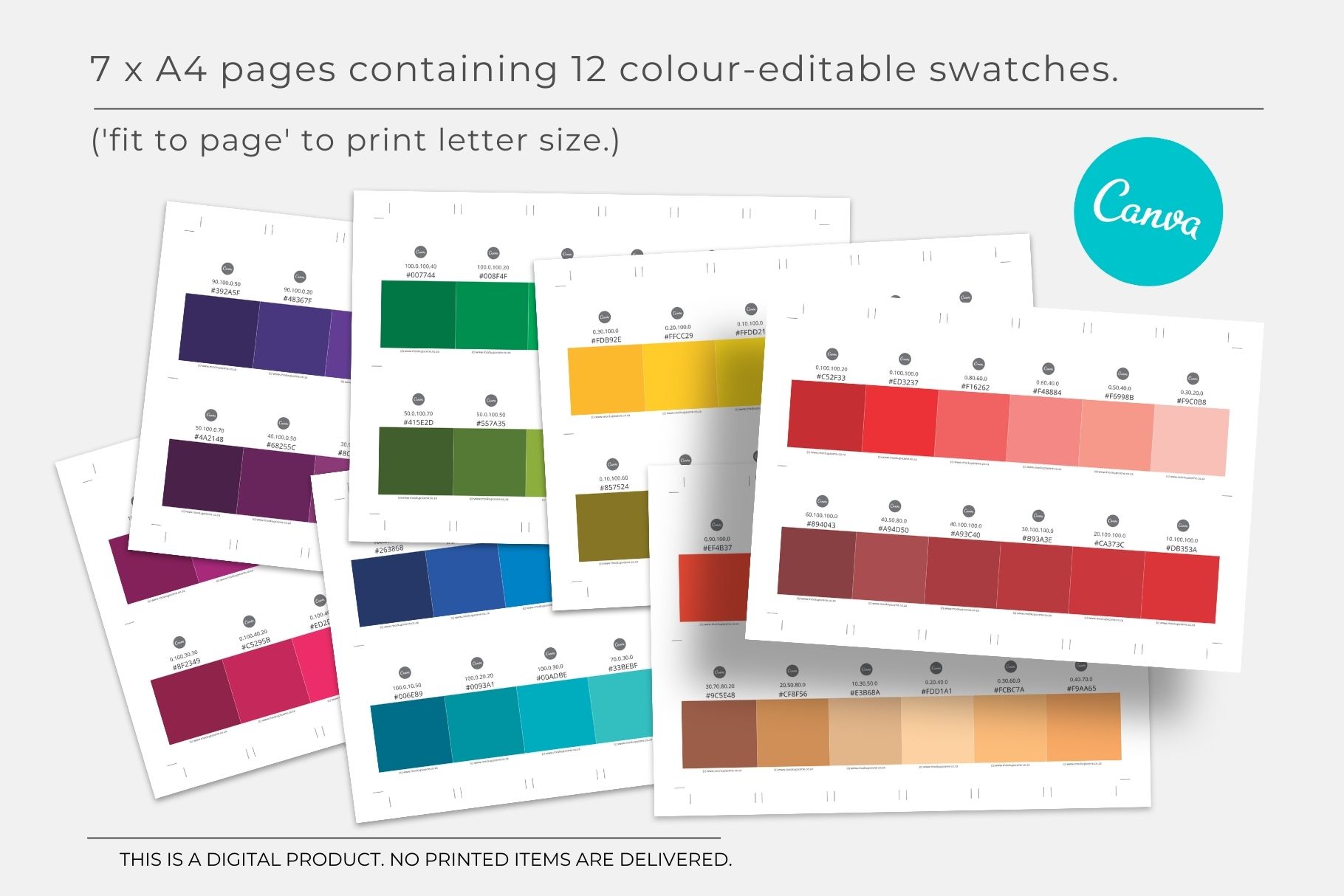
A pristine, 300 DPI high-quality PDF containing all 84 foundational swatches (12 cards per page across 7 pages) ready to send straight to your local print shop.
Editable Canva Template Link
A fully customizable 9-page Canva template allowing you to tweak, expand, and input your own custom brand colour HEX codes.
Step-by-Step User Guide
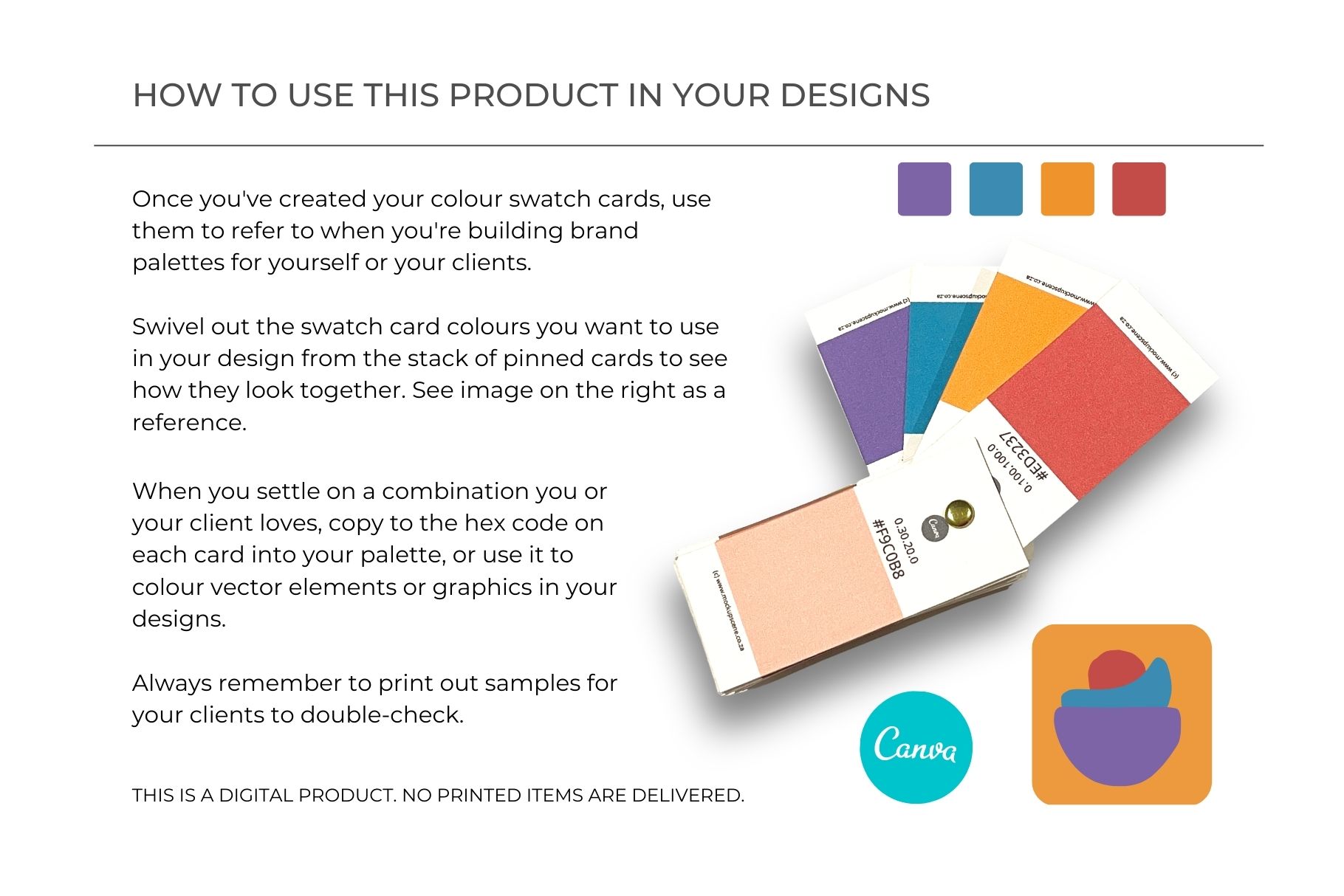
Helpful instructions on how to assemble your physical swatch wheel and use it to build perfect brand palettes.
Please note: This is a DIGITAL PRODUCT. No pre-assembled physical swatch cards will be shipped to you.
How to Assemble and Use Your Swatch Deck
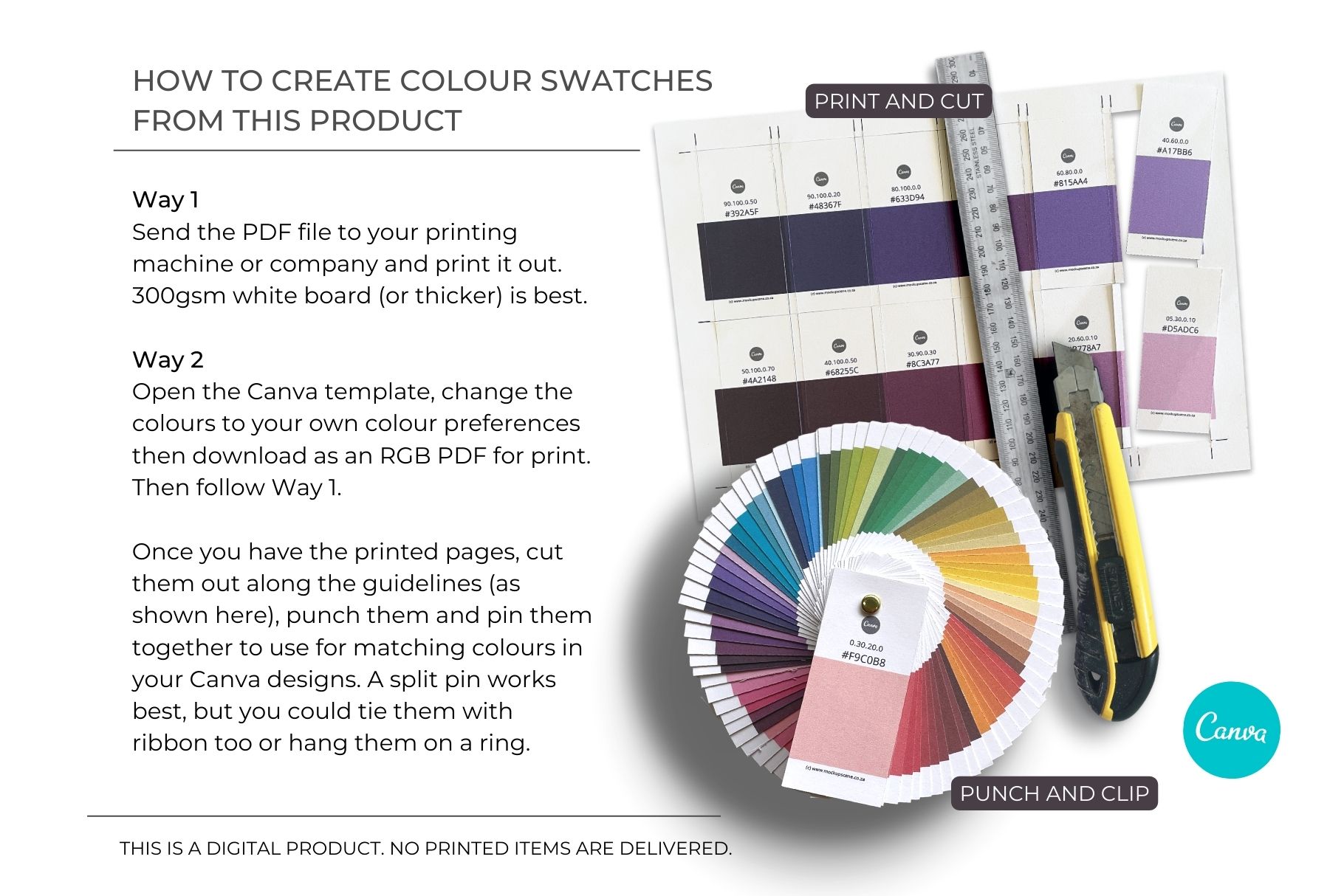
1. Customize (Optional): Open the template link in Canva to adjust the colour blocks to your specific industry preferences or brand codes.
2. Print: Export your file as a PDF for Print and send it to your chosen printing company. For the best, most durable results, we highly recommend printing on 300gsm white board (or thicker).
3. Cut and Pin: Cut carefully along the pre-made crop guidelines provided in the template slides. Punch a hole at the top of each card, and secure the deck together using a split pin, metal ring, or ribbon.
4. Match and Create: When designing your next project, simply swivel out the physical cards to match colours in your hands, copy the listed HEX code directly into Canva or Illustrator, and design with absolute confidence!
Product Specifications & Requirements
* Format: Secure ZIP file containing the printable A4 PDFs and Canva Access Guide.
* Dimensions: Standard A4 page layouts (12 individual cards per page).
* Resolution: High-definition 300 DPI for crisp text and accurate blocks.
* Fonts Used: Free Canva Font (Montserrat) – fully editable.
* Requirements: A free or Pro Canva account to edit the digital template.
* Licensing: For personal and small business operational use only. You are strictly not permitted to resell, redistribute, or share this template in any form. Please read License Terms here.